
Getting started with Nexscope tools
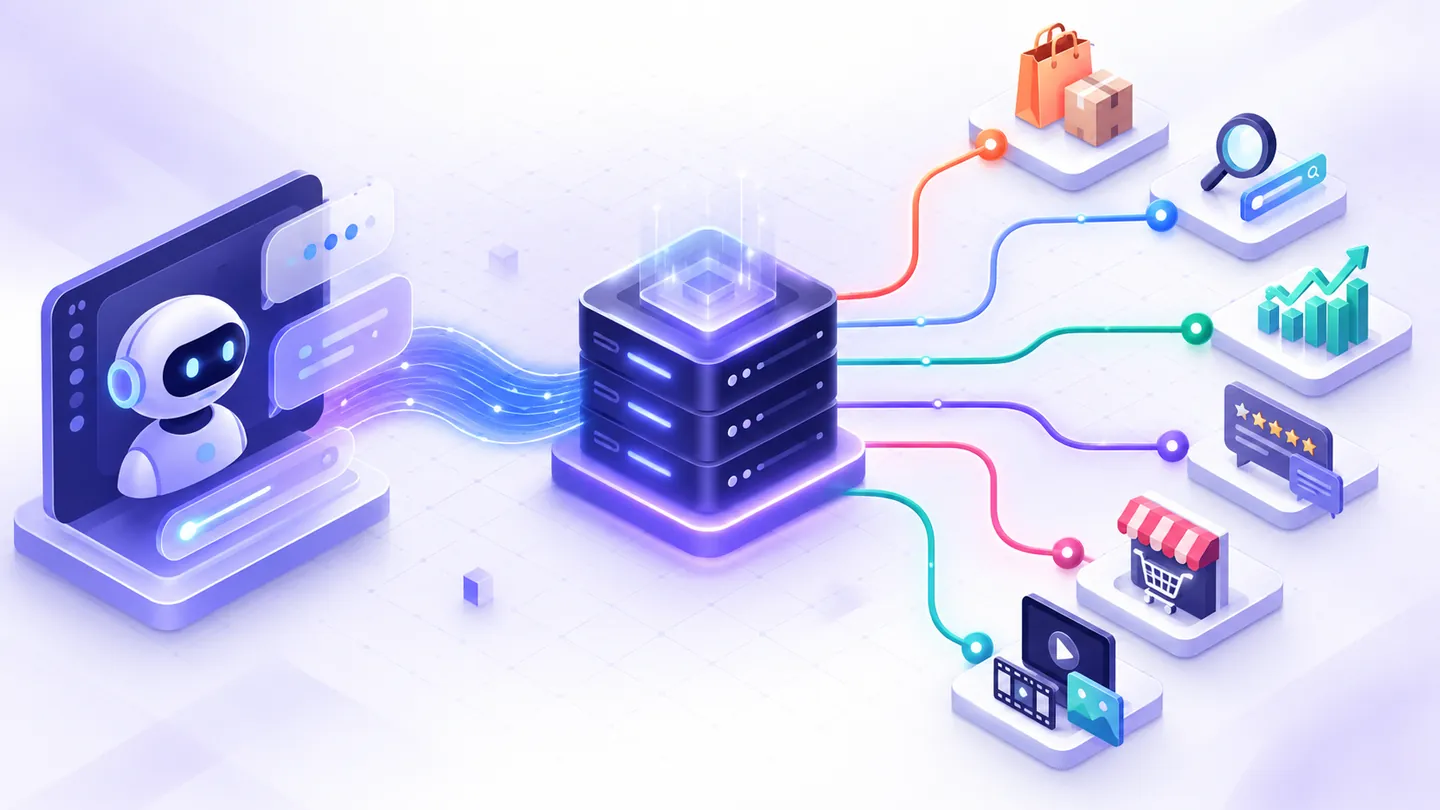
Choose a workflow from our guide library, then sign in with your Nexscope account to run it.
- Choose one task below and open its tool or API page. New Nexscope accounts receive 1,000 free credits; credit usage and access vary by action. Some browser tools offer a separate limited free search.
- Bring the input for that task: a competitor ASIN, a keyword, a public page URL, or product images and a video prompt. Review the selected market, sample size, and credit requirements before starting. Some workflows require a separate second request.
- Inspect source evidence before acting on AI suggestions, and download results you want to keep. If the first result answers your question, check its actual credit use and decide whether you need to repeat the task before considering a paid plan.
- If something blocks you, use the community and support guide to choose the right public or private channel.
When you need help
| What you need | Where to go |
|---|---|
| Help using a browser tool, API, or MCP integration | Discussions Q&A |
| A new ecommerce workflow or product idea | Discussions Ideas |
| A reproducible bug or trackable feature request | GitHub Issue forms |
| Help with an account, billing, or private data | Email private support |
Include your goal, marketplace, product category, relevant tool or endpoint, expected result, and what happened. Never post API keys, access tokens, payment details, private customer data, or unredacted screenshots.
AI Video Generator
Create a product video from images and a motion prompt. Choose a model, review its settings and credit estimate, then generate, preview, and download. Read the AI video generator workflow guide for an example prompt and a quality checklist.
Amazon Review Analyzer
Open Amazon Review Analyzer with a competitor ASIN and marketplace. Request recent 1–2 star reviews, then generate an AI report from that sample. Download Markdown and source review CSV. A complaint about a leaking lid might suggest a gasket durability test; this is an illustrative idea, not a real product finding. The sample cannot establish overall defect rates or product authenticity.
SEO Keyword Planner
Open SEO Keyword Planner with one product phrase. Compare US English Google keyword candidates and metrics, then decide whether the terms match your product page. Google search volume is not Amazon search volume. The tool’s current free search has a daily limit; review the live page before using API credits for more research.
See the SEO Keyword Planner workflow for a dated portable blender test, its source data, and the product-relevance check that excluded a shaker bottle from the comparison.
Website SEO Auditor
Open Website SEO Auditor with one public page URL. Collect page evidence and separately request mobile Lighthouse. This is a single-page check, not a whole-site crawl.
Decide whether you need more capacity
Use the first result to answer one real question. If you need the same workflow repeatedly, record the actual credits used, the outputs you could use, and how often your team will run it. Then compare the current credit options for API research or check the selected tool’s live access terms. A one-off free search does not by itself justify a subscription.
Last reviewed: 2026-09-15 · Maintained by the official Nexscope team · Editorial & evidence policy.
More on product & market research
Bring a real ecommerce question.
Ask how to use a Nexscope workflow, suggest an improvement, or report a reproducible problem through the right public channel.