
AI product video generator: turn product images into reviewed clips
By Nexscope Team · Published September 15, 2026 · Updated October 23, 2026
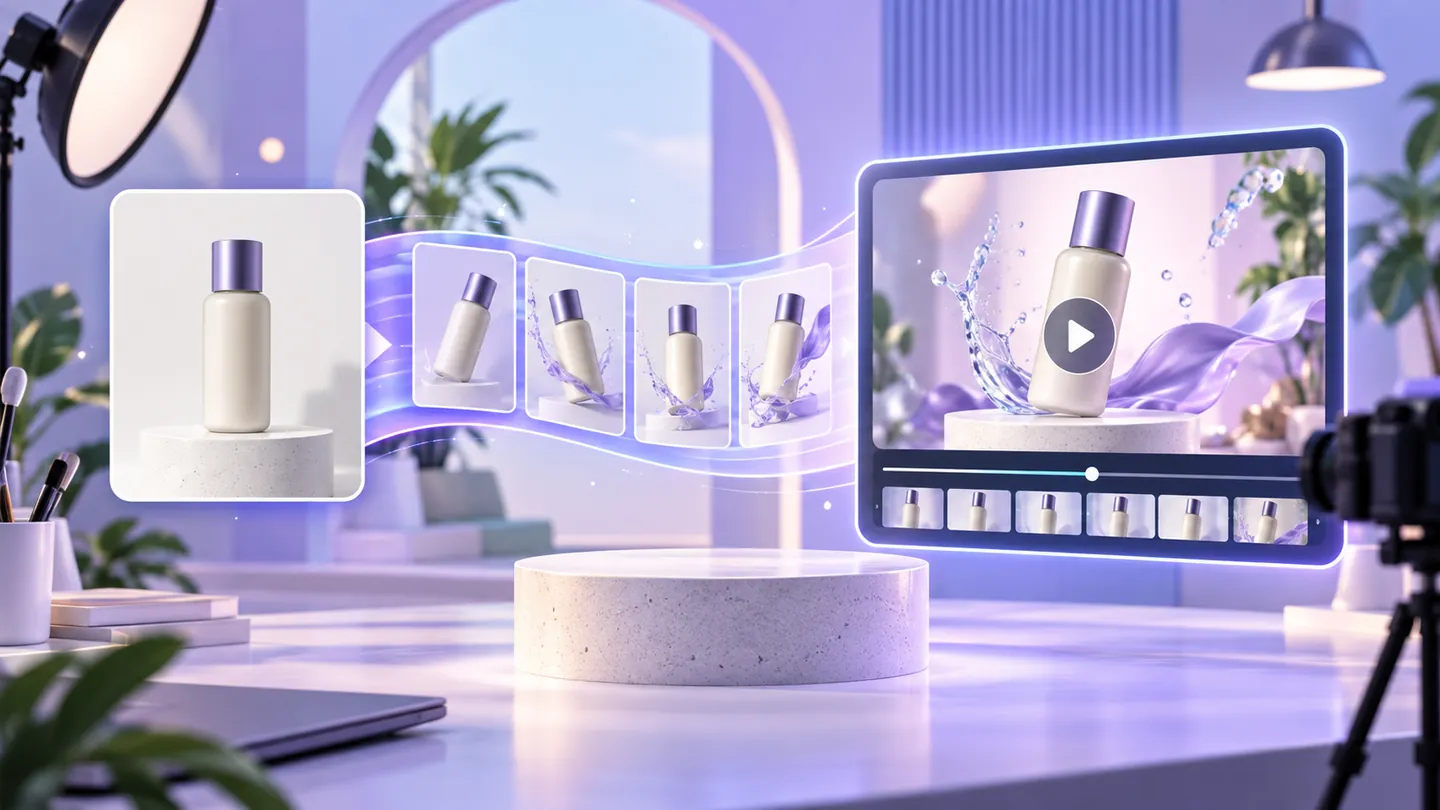
An AI product video generator turns a supported product image and motion brief into candidate footage for a listing or ad. Nexscope’s browser tool lets sellers choose an available model, inspect its estimated cost and preview the result. The essential step is reviewing the whole clip: a moving product must still match the item for sale.
Not sure whether to start from photos, a product link, an avatar or a reference clip? Compare Nexscope’s five product video workflows and watch official examples. The directory explains each workflow’s inputs and output before you open its matching workspace.
For task-specific instructions, follow the Bulk Video folder-to-download guide, Avatar Video tutorial or reference-led ad-cloning guide.
Try the AI Video Generator. New users receive 1,000 free credits, valid for 3 days. Usage depends on the model and settings; this is a finite trial balance, not unlimited generation or a guarantee that every configuration fits the balance.
Already have a public product listing instead of a standalone image? Follow the URL-to-video guide to import the listing, verify its product details, and prepare a script before generating. The image-to-video workflow below starts from uploaded product images.
Key takeaways: Nexscope is free to try with 1,000 starter credits for new users. Begin with one clear product image and one simple motion, check the live credit estimate before generating, and review product shape, labels, claims, and framing before publishing. The trial balance is finite and does not unlock every API capability.
Which model preserves a product’s packaging best? This page does not claim a winner. A fair comparison needs the same permitted product image, the same motion prompt, and matched duration, aspect ratio and resolution where each model supports them. Save every output and record actual credits and elapsed time. Reject any clip that changes the item’s shape, printed label, logo, color, accessories or implied performance, even if the motion looks polished. No controlled output comparison has been published here yet.
Which model fits your product-video brief?
For a reference-led short shot, inspect the Seedance 2.0 review or Kling 2.6 review. If you need more duration or references, compare the documented formats in the model directory; greater capacity does not prove better product preservation.
Before choosing by price, read the Kling pricing guide. For server-side automation, use the Seedance API guide. The browser tool, model Playground and API are separate entry points; check each one’s actual controls and access requirements.
How to create a product video from images
- Open the tool and sign in with your Nexscope account. The page opens a login window when authentication is needed.
- Choose a model. Seedance 2.0 Mini is the initial selection. Compare the available resolution, duration, image inputs, and credit estimate for your intended output.
- Upload a clear product image or the reference images supported by that model. Use a sharp image that shows the product’s shape and label.
- Write a motion prompt. Specify the camera movement, product movement, scene, and details that should remain consistent.
- Select the available duration, resolution, and aspect ratio. Check the displayed seconds and estimated credits before generating.
- Generate the video. Model and parameter controls are locked while generation is running. If credits are insufficient, the page offers a subscription entry point.
- Preview the result and inspect product fidelity before downloading or using the clip in a campaign.
The workflow runs in the hosted Nexscope tool. This repository contains its documentation and support resources, not a local video-generation engine.
An example prompt for a product image
For an image of a reusable water bottle, try:
Create a slow, smooth camera orbit around the bottle on a clean studio surface. Keep the bottle shape, cap, colors, and printed label consistent with the reference image. Use soft side lighting and a subtle reflection. Keep the bottle upright throughout the shot.
This is a suggested input, not a measured generation result. Start with one simple movement, inspect the output, and change one instruction at a time. Do not treat a prompt as a guarantee that every detail will be preserved.
Which video models can I choose?
The published tool offers these nine choices at the time of review:
| Model | Selection guidance |
|---|---|
| Seedance 2.0 Mini | Initial default; inspect its settings and estimate before your first run. |
| Seedance 2.0 Fast | Compare its available settings and estimate with the other Seedance options. |
| Seedance 2.0 | Check the available resolution and duration for your intended clip. |
| Seedance 2.5 | Another Seedance option in the model selector. |
| Kling 3 Omni | Compare the supported image inputs and output settings. |
| Happy Horse 2 | Check its model-specific settings before generating. |
| Wan 3 | Review the current on-page credit estimate; prices can change. |
| MiniMax H3 | Check the available resolution and duration. |
| MiniMax H3 Lite | Compare its supported settings with MiniMax H3. |
Model names alone do not establish which is best for your product. Compare the same reference and prompt, and judge label readability, shape consistency, motion quality, and the credits used. No comparative benchmark is claimed here. The live tool is the source for current availability and estimates.
Review the result before publishing
| Check | What to inspect | If it fails |
|---|---|---|
| Product identity | Shape, logo, packaging text, color, and proportions | Simplify motion or choose a clearer reference, then review a new generation. |
| Motion | Distortion, flickering, unexpected object movement | Reduce the number of requested actions. |
| Framing | Product visibility and room for captions in the target aspect ratio | Adjust framing instructions and output ratio. |
| Claims | Scenes that suggest untested performance, capacity, or durability | Remove unsupported implications before using the clip. |
For a reproducible comparison, record the input image, prompt, model, selected settings, date, actual credits used, and your review notes. Save the output alongside those inputs. A model-generated clip is creative material; it is not evidence of product performance.
How should you compare two image-to-video models fairly?
Use one product image that you have permission to process and write a motion prompt before choosing a model. Run the same image and prompt through the models you want to compare. Keep duration, aspect ratio and resolution equal when the controls allow it, and mark any unmatched setting instead of presenting the outputs as directly equivalent. If the model offers a fixed random seed, record it; do not assume every model supports one.
| Review item | Record for every output | Reject the clip as a factual product demonstration when… |
|---|---|---|
| Product identity | Source image and generated output URL or file name | Shape, color, packaging, logo or an accessory changes. |
| Label legibility | Whether printed text stays readable in the relevant frames | The output invents, removes or distorts product text. |
| Motion and framing | Prompt, camera movement, duration, ratio and resolution | Motion hides the product or creates unsupported use or performance claims. |
| Cost and time | Displayed estimate, actual credits charged and elapsed time | Do not infer cost or speed from another model’s run. |
A pass/fail decision should cite the saved output and the specific changed detail; a subjective overall score alone cannot show whether the product was represented accurately. No rows on this page are claimed to be a completed model benchmark.
What has Nexscope publicly tested here?
This guide documents the browser workflow and an inspection checklist. It does not contain a published, side-by-side video-generation test or a measured winner among the listed models. The bottle prompt above is a suggested input, not an observed output. Before choosing a model for an exact SKU, make a short test clip with an image you are allowed to use, then log the model, duration, resolution, credits charged, output link, and any changes to shape, label, color, or packaging. If a detail changes, mark the clip unsuitable for a factual product demonstration.
For a public example of how Nexscope separates a successful creative task from product fidelity, see the dated GPT 2.5 Flare image-edit record. That is an image test, not evidence that any video model preserves the same SKU.
Is this a free AI video generator?
New Nexscope users get 1,000 free credits, valid for 3 days. Generation consumes credits, and the estimate varies with the selected model and settings. Check your balance and the displayed estimate before submitting. Creative API key access requires an active subscription; trial credits do not unlock it or an unlimited number of videos.
If you are comparing the best AI video generator for a specific product, test the same input and prompt across suitable models. Judge product fidelity, label readability, motion, framing, elapsed time, and actual credits used. A model that performs well for a bottle may not be the best choice for apparel, cosmetics, or a talking-product workflow.
Can I automate video generation through an API?
The browser tool and external API integration are separate entry points. For automation, consult Nexscope’s creative API documentation for the selected endpoint’s authentication, inputs, asynchronous task handling, access requirements, and pricing. Do not assume every API input is exposed in the simplified browser tool.
Need another model or help with a result?
For help using a model or choosing settings, ask in Discussions Q&A. For a reproducible generation problem, use the Issue forms and include the model, non-sensitive settings, expected behavior, and what happened. Do not include API keys or private account information.
Create your first product video · Browse the other ecommerce workflows
Last reviewed: 2026-10-23 · Maintained by the official Nexscope team · Editorial & evidence policy.
More on product images & video
Bring a real ecommerce question.
Ask how to use a Nexscope workflow, suggest an improvement, or report a reproducible problem through the right public channel.