
Submit your product free.
Get editorial feedback.
Share a public product URL or Amazon ASIN, verified details, and one accurate image. An editor will review your submission and leave specific feedback on a private page. If approved and published, your product also gets a free Gallery page linking to the original listing—another factual source that search and AI systems can discover. No payment or store login is required.
What will my free product page look like? See a published example.
Does this submit my product to ChatGPT or Google Shopping?
We use your public link or ASIN to review a Gallery page. We do not connect your store, fetch live offers or submit products to ChatGPT or Google. Keep price, stock and checkout information current on the original selling page.
Submitting an Amazon ASIN alone does not authorize Nexscope to manage that seller's catalog.The 3 highest-scoring products in the Gallery.
Up to three of the highest-scoring approved, published products are featured on Nexscope's Gallery and submission pages for added visibility. Rankings may change; traffic and sales are not guaranteed.
How new reviews are scored: 100 points
- Submitted page SEO
- 45 points
- Submitted page GEO
- 45 points
- Submitted images and video
- 10 points
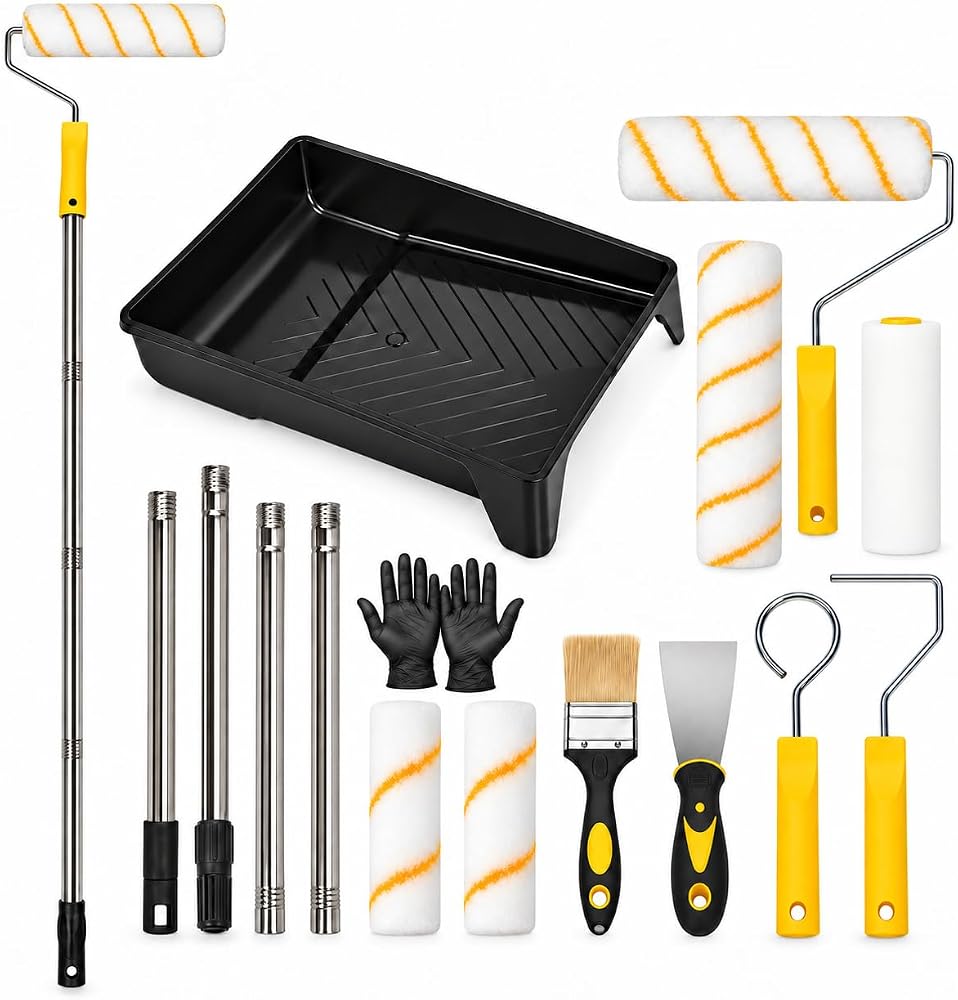 PCIQUTE 17-Piece Paint Roller Set, 9-Inch and 4-Inch Rollers with Extension Rods
View product details
 Sculptural Pumpkin Soy Candle
View product details
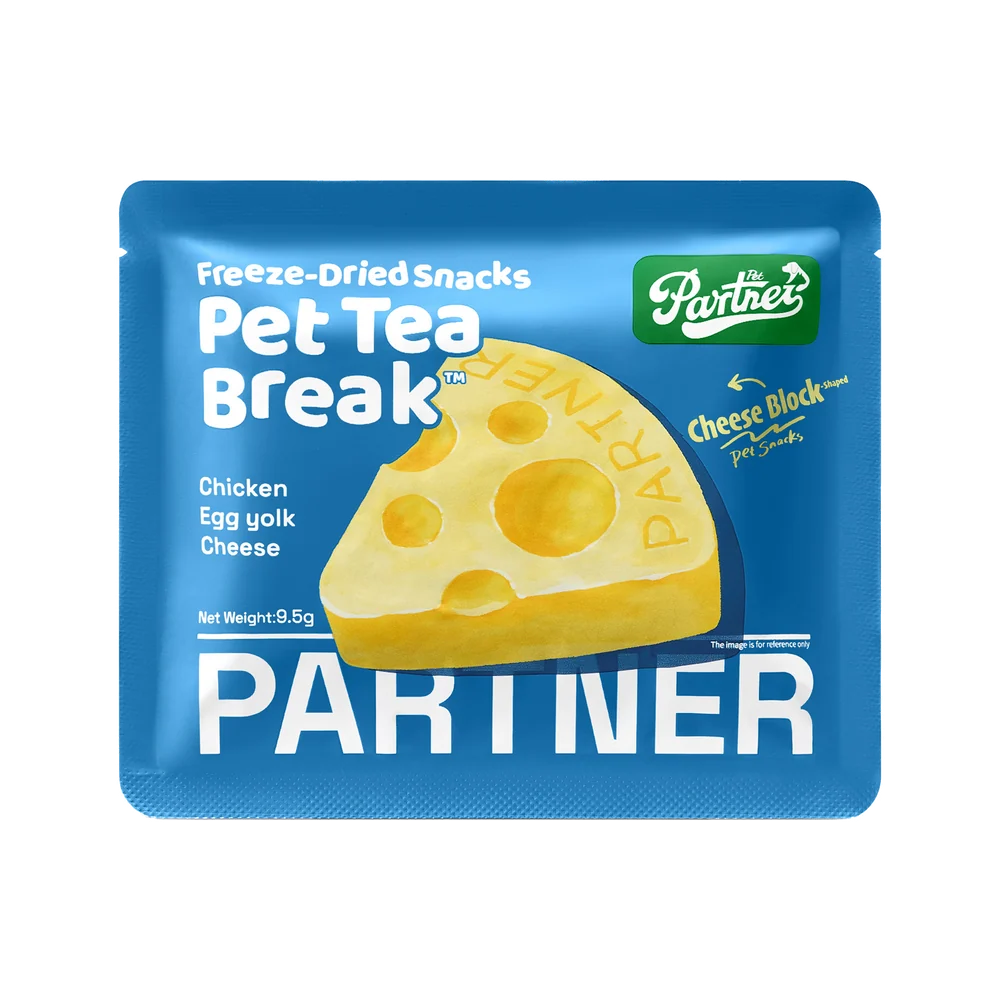 PARTNER Cheese Block Freeze-Dried Treats — Box of 12 Sachets
View product details
Swipe to explore all three products
Submit a product page for free editorial review. Approved products may receive a public Gallery listing linked to the original selling page.
Know what happens next.
Every reviewed submission receives written editorial feedback, whether or not it is published. We only suggest changes when the submitted materials show a meaningful reason. There is no fixed review deadline. Your product stays offline until an editor approves it and publishes a page. The purpose of that page is to give search and AI systems a clearer public source for product facts—not to buy impressions or guarantee traffic.
Bring a public HTTPS product page or Amazon ASIN, the exact product name, verified details, at least one accurate image and a contact email. No store authorization is needed.
Save the private management link shown after submission. It displays the editor's feedback after review, along with the review and publication status. No automatic status email is currently sent.
A submission marked “Changes requested” remains offline. Read the editor's specific feedback on the private page, update the product information and resubmit for review.
Go deeper on one product.
Choose the help you need.
Nexscope Product Growth Report turns one product link and target market into a human-reviewed action plan. Choose at least one service below; your team applies the recommendations.
AI mentions
Review sampled buying questions and AI answers. See product mentions, recommendations and available evidence.
Competitors
Compare relevant alternatives and observable differences to clarify which buyer or use case your product fits.
Keywords
Find relevant product and use-case phrases, with suggested placements and reasons grounded in available sources.
Product copy
Get suggested titles, selling points, descriptions and FAQs based on supported product facts.
Ad images
Request 1–20 product advertising images. Set creative requirements and receive reviewed PNG images.
Review your current credit quote before submitting. Receive an HTML report and any purchased images after human review; expected delivery is within 24 hours.
Gallery submission, review and approved display remain completely free. Purchasing a report is optional and does not affect Gallery approval.One product, one market. SEO and GEO cannot be requested alone. This service does not include website editing or ongoing monitoring, and does not guarantee indexing, AI recommendations, traffic or sales.