SPECIFIC EDITORIAL FEEDBACK · FREE APPROVED DISPLAY
See your product page
through a buyer's eyes.
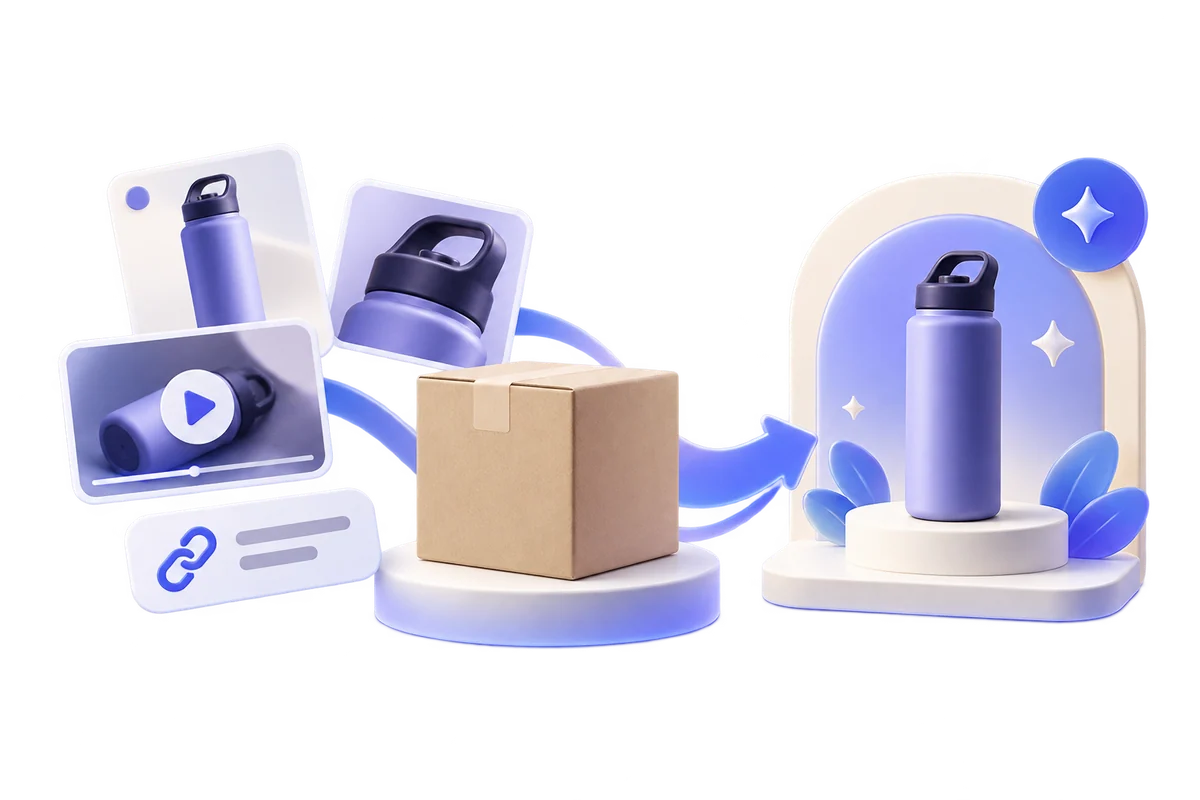
Share one public product page, including a Shopify or WooCommerce page, or an Amazon ASIN. Our editors review its facts, images and buyer questions, then offer specific improvement advice where needed. If approved and published, your product gains another public discovery page linking to your original listing.
The 3 highest-scoring products in the Gallery.
Up to three of the highest-scoring approved, published products are featured on Nexscope's Gallery and submission pages for added visibility. Rankings may change; traffic and sales are not guaranteed.
Nexscope's 100-point editorial review includes:
- Submitted page SEO
- 30 points
- Submitted page GEO
- 30 points
- Product description
- 20 points
- Images and video
- 20 points
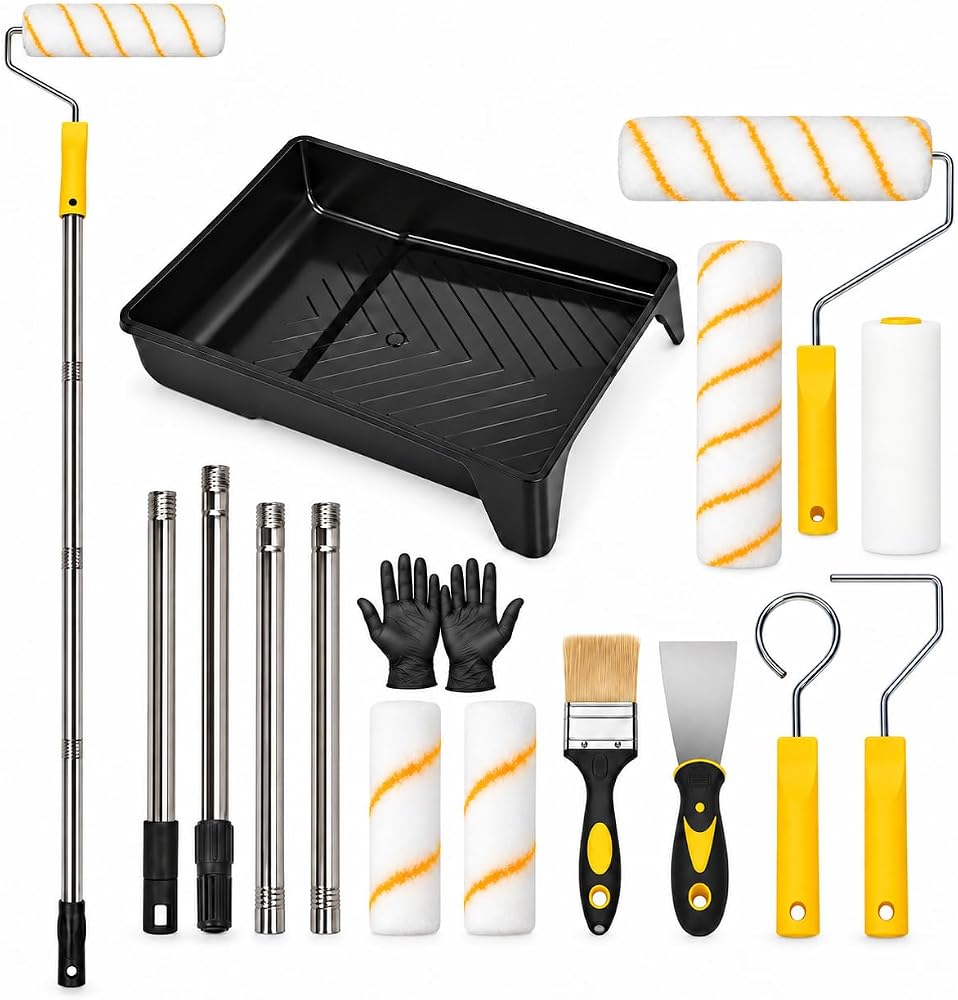 PCIQUTE 17-Piece Paint Roller Set, 9-Inch and 4-Inch Rollers with Extension Rods
View product details
PCIQUTE 17-Piece Paint Roller Set, 9-Inch and 4-Inch Rollers with Extension Rods
View product details
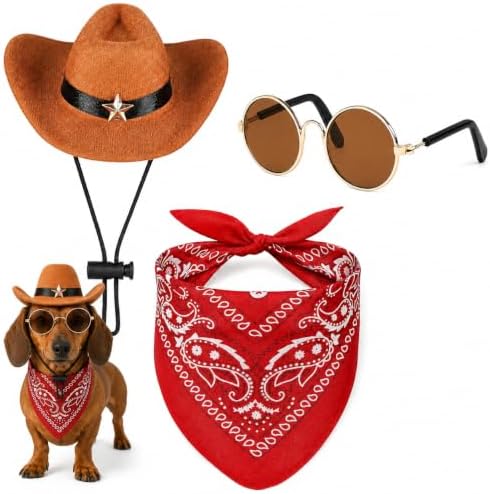 PCIQUTE Pet Western Cowboy Hat, Bandana and Sunglasses Set for Small Dogs and Cats
View product details
PCIQUTE Pet Western Cowboy Hat, Bandana and Sunglasses Set for Small Dogs and Cats
View product details
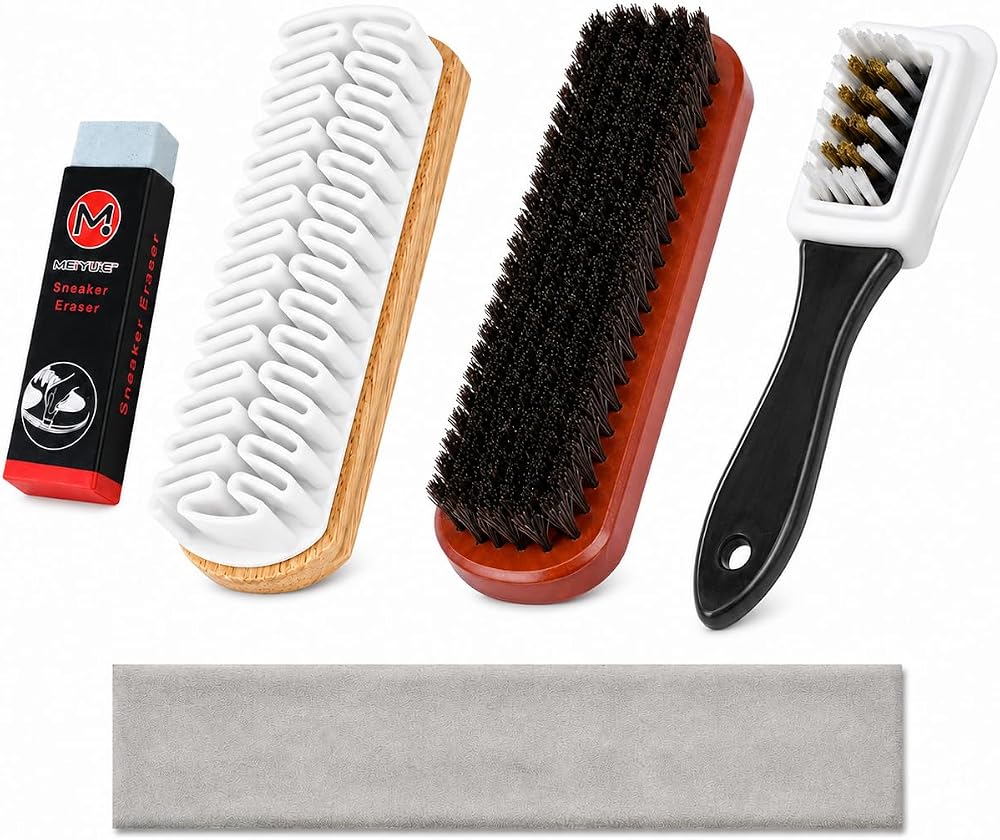 PCIQUTE 5-Piece Suede & Nubuck Shoe Care Kit with Horsehair Brush
View product details
PCIQUTE 5-Piece Suede & Nubuck Shoe Care Kit with Horsehair Brush
View product details
Swipe to explore all three products
Submit a product page for free editorial review. Approved products may receive a public Gallery listing linked to the original selling page.
A useful review before a public page.
Every reviewed submission receives written feedback on its product page. We call out useful strengths and recommend changes only when the submitted material supports them. If approved and published, the product also receives a free public Gallery page with submitted context, media and a link back to its original listing.
Feedback without filler
See what works and which product facts, visuals or buyer questions need attention, if any.
Another discovery path
If approved and published, give shoppers an additional public page with product context, images and optional video.
Your store stays the destination
The Gallery page links to the original storefront or marketplace listing.
Want your product in shopping results?
A reviewed Gallery page adds public product context. Shopping catalog participation is a separate step managed by the seller or an authorized partner using current offer data.
Check your catalog route
OpenAI says Shopify and Etsy catalogs are already integrated. Other merchants can apply to share a current product feed; acceptance and display are not guaranteed.
See the ChatGPT merchant steps →Use your Merchant Center account
Verify the selling website, submit product data, and keep price and availability consistent with the page where customers can buy.
See the Google merchant steps →Want to measure visibility first? Run a separate AI visibility check ↗ Results are time-bound observations, not a promise of recommendations.
How can this help product visibility?
Start with professional feedback you can use on your existing product page. Our editors review the facts and media you provide. If they find a meaningful gap, they explain a practical change; if not, they identify what already works within the reviewed scope. If approved and published, a free Gallery page provides an additional public route to your original listing.
- Get product-page improvement adviceRead evidence-based editorial feedback on your private management page after review.
- Add a discovery routeAn approved and published Gallery page brings product details, media and the original buying link together.
Submission, editorial review and, if approved, listing and display in the Gallery are completely free.
Start by improving your original listing: learn how product page SEO helps shoppers find it and how clear product facts support AI-assisted shopping research. The Gallery adds feedback and, when approved, another public page; it does not replace your store page.
Publication depends on editorial review. Nexscope does not guarantee indexing, AI recommendations, traffic or sales.
Questions about feedback and display.
Direct answers about what Nexscope Product Gallery can do, what a submission requires, and where its limits are.
What is the Nexscope Product Gallery?
Submit a product for free editorial feedback on its product page. If approved and published, it can also receive a free public Gallery page with product details, media and a link to the original listing.
Will the Gallery increase my product visibility or traffic?
If approved and published, a product receives an additional public page with submitted details, media and a link to its original listing. That creates another route for discovery, but it does not guarantee search indexing, impressions, referral traffic or sales.
Does a Gallery submission add my product to ChatGPT or Google Shopping?
No. The Gallery publishes an editorially reviewed public page; it does not submit a merchant feed or register your store with a shopping platform. Use the seller's own catalog route for ChatGPT or Google Shopping.
What feedback will I receive?
After editorial review, the private management page shows written feedback based on the submitted public materials, whether or not the product is approved for publication. We explain what works and recommend specific changes only where the evidence supports them. If no material gap appears within the reviewed scope, we say so instead of inventing suggestions.
Do I need to connect or authorize my store?
No. A submission uses public product-page links or an Amazon ASIN. Nexscope does not request a store password, seller token or payment access for this workflow.
Can I submit a Shopify or WooCommerce product page, or an Amazon ASIN?
Yes. Submit one public HTTPS product URL, such as a Shopify or WooCommerce product page, or select the Amazon ASIN option. Add verified product details and at least one accurate image. We review the submitted material, not private store analytics.
Is product listing and display free?
Yes. Product submission and editorial review are completely free. If approved and published, listing and display in Nexscope Product Gallery are also completely free. Approval and search performance are not guaranteed.
Does submitting a product guarantee publication or search performance?
No. Every submission remains offline until reviewed, and Nexscope does not guarantee approval, publication, search rankings, AI citations, traffic or sales.
What happens after I submit a product?
Save the private management link shown after submission. It shows the current status and, after editorial review, your feedback. You can edit and resubmit if changes are requested. There is no fixed review deadline or automatic status email. A product stays offline until approved and published.
Start with one product. Get a clearer next step.
Share a public product page or Amazon ASIN, then add verified details and images. After editorial review, check your private page for feedback grounded in what you submitted. Publication is a separate, approval-dependent outcome.
- 01Share the sourcePublic product link or Amazon ASIN
- 02Add the useful detailDescription, images and optional video
- 03Read your feedbackSpecific feedback after review; public display if approved and published