
Business Agent for YouTube Ads: what ecommerce teams should prepare
By Nexscope Team · Published September 22, 2026 · Updated September 22, 2026
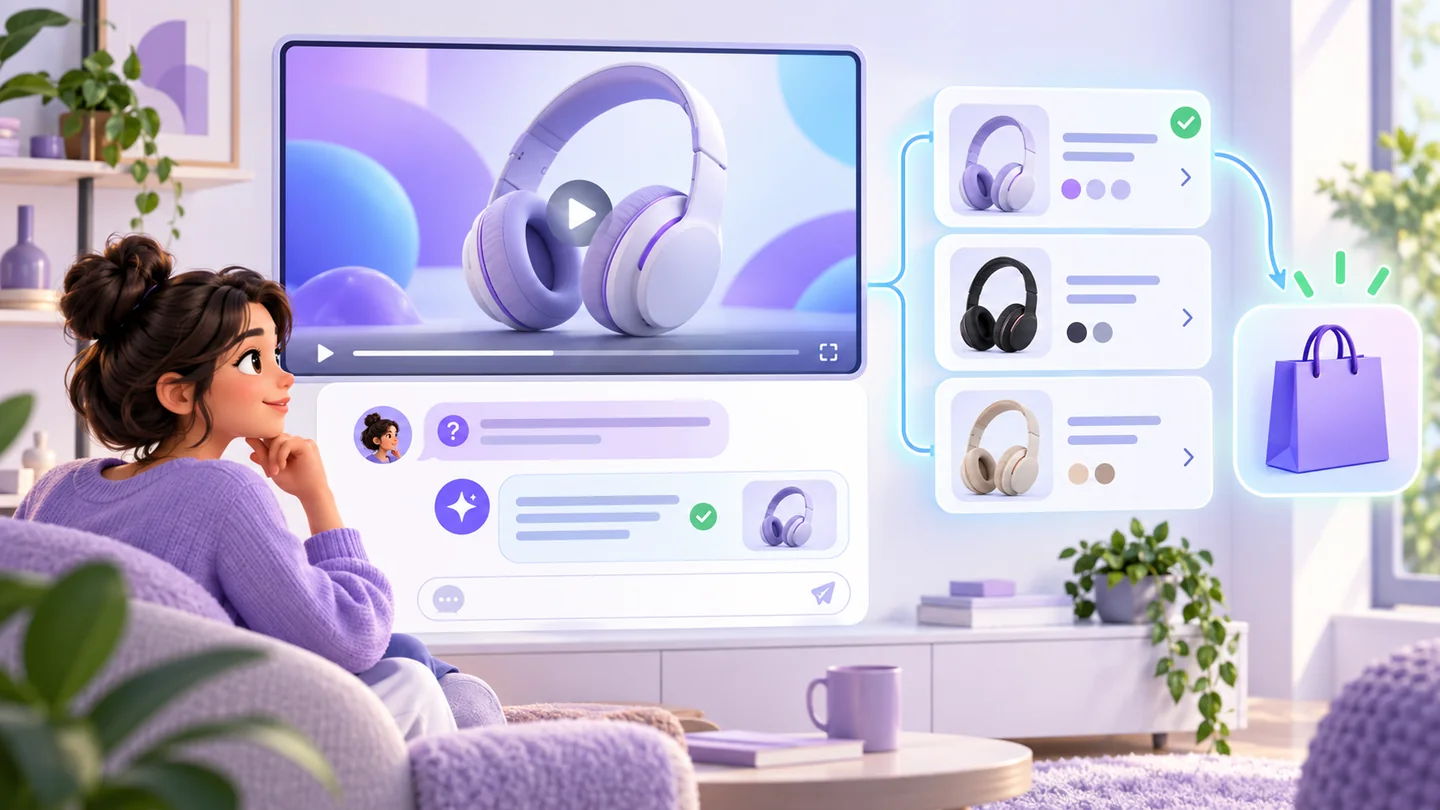
Business Agent for YouTube Ads is Google’s test of an AI question-and-answer layer beneath eligible video ads. Instead of leaving the video to research a product, a viewer can ask about features, comparisons, or store policies and receive guidance grounded in the retailer’s catalog and website data.
Google says the feature does not require custom chat scripts or new creative. That reduces technical setup, but it does not remove the preparation work: weak product data can now create a weak answer before the shopper ever reaches the store.
The practical takeaway: audit the questions a video creates, the product evidence available to answer them, and the post-conversation journey before joining the beta. Interactive ads move part of product-page qualification into the ad itself.
What is Business Agent for YouTube Ads?
Business Agent for YouTube Ads embeds a native conversational assistant directly below an eligible YouTube advertisement. Google describes it as a way for viewers to research products, ask complex questions, compare options, and check policies without leaving the video context.
Google announced the beta on September 16, 2026. As of September 22, it is an invitation for eligible U.S. retailers, not a feature available to every advertiser or market. Check Google’s current Business Agent announcement and beta materials before planning a launch.
This is different from adding a scripted chatbot to a landing page. Google says the answers are grounded in existing product catalog and website data. The merchant’s task is therefore less about writing a dialogue tree and more about making the underlying evidence accurate, complete, and consistent.
How does the experience change a video ad?
The video can create interest while the Business Agent handles some of the questions that normally occur after a click. That changes where qualification happens.
| Journey stage | Conventional video ad | Video ad with Business Agent |
|---|---|---|
| Inspiration | Viewer sees a product or use case | Same |
| First question | Viewer searches, visits a page, or leaves | Viewer can ask beneath the video |
| Comparison | Usually happens on a site or another search surface | Some comparison may happen inside the ad context |
| Policy check | Viewer looks for shipping, returns, warranty, or store details | Agent may answer when the underlying data is available |
| Site visit | Can include curious and qualified clicks | Google positions the feature as a path to more qualified visits, but merchants must test this claim |
An in-ad answer can remove friction, but it can also expose contradictions earlier. If a video presents one model while the catalog supplies another variant’s specifications, the conversation may confuse rather than qualify the shopper.
What data can shape the answers?
Google identifies the product catalog and website as grounding sources. Merchants should treat them as one customer-facing knowledge system and verify at least these layers:
- product identity and variant relationships;
- title, description, specifications, and compatibility;
- price, availability, promotion, and delivery context;
- product imagery and video-to-SKU mapping;
- shipping, return, warranty, and support policies;
- product pages, category pages, FAQs, manuals, and other accessible evidence.
Google’s conversational attributes can add structured questions, documents, relationships, groups, variants, and popularity context. They are optional and should complement—not contradict—the core feed and public page.
What should retailers audit before applying?
1. Map each video to the exact product promise
List the product, variant, use case, feature claims, visual demonstrations, spoken claims, captions, offer, and destination used in the ad. Mark anything that applies only under a particular condition.
If a video says “water resistant,” document the test standard or limitation. If it shows an accessory, clarify whether that item is included, optional, or sold separately.
2. Write the questions the video is likely to create
For each video, draft 15–25 realistic questions across four groups:
- fit: Is it compatible with my device, room, body, or use case?
- proof: How was the performance claim measured?
- purchase: Which variant should I choose, what is included, and is it in stock?
- policy: When will it arrive, can it be returned, and what does the warranty cover?
Do not draft only easy questions. Include objections, exceptions, and comparisons that a serious buyer would ask.
3. Trace every answer to evidence
Build a simple evidence matrix with the question, approved answer, source URL or feed field, responsible owner, and last verification date. If the team cannot identify an authoritative answer, fix the data or narrow the claim before testing the agent.
4. Reconcile the catalog and website
Check that price, stock, variants, dimensions, materials, compatibility, and policy details agree across Merchant Center and the destination page. An AI layer should not be expected to decide which conflicting value is correct.
5. Review the landing page after qualification
A better-informed visitor may arrive with a more specific expectation. The destination should preserve the chosen variant, answer the same core questions, and make the next action clear. Use the Website SEO Auditor to inspect the public page, then manually verify commerce behavior and policy accuracy.
How should video creative change?
Do not redesign every video merely because an AI conversation is available. Google says the beta can work with existing creative, and the stronger opportunity is to make each video’s product promise more precise.
Useful video creative should:
- show the actual product and variant clearly;
- demonstrate one meaningful use case at a time;
- avoid visual accessories that appear included when they are not;
- state qualifications for performance claims;
- leave the viewer with questions the catalog can answer accurately;
- align the call to action with the destination and current offer.
Nexscope’s AI Video Generator can help create concepts from product assets that the merchant is authorized to use. Every generated frame still requires review for product shape, color, included parts, text, claims, and platform compliance.
How should you measure a Business Agent test?
Measure both conversation quality and downstream commerce quality. A lower click volume can still be valuable if the visitors are better qualified, while a high interaction rate can be meaningless if answers are inaccurate or purchases do not follow.
Define the test before launch:
| Layer | Example measure |
|---|---|
| Delivery | Eligible impressions, video views, completed views |
| Interaction | Agent opens, questions asked, repeat questions, unsupported questions if available |
| Traffic quality | Engaged sessions, product-detail depth, selected variant, return visits |
| Commerce | Add-to-cart, checkout start, purchase, revenue, new-customer rate |
| Quality control | Incorrect answers, policy mismatches, outdated price or availability, complaint rate |
Separate the Business Agent cohort from ordinary YouTube traffic when reporting permits it. Preserve campaign, creative, product set, landing page, market, date range, and catalog-change logs. Do not infer incrementality from a simple before-and-after comparison during a seasonal period.
What is a sensible first experiment?
Begin with a small group of products that have clean data, stable inventory, clear policies, and a repeatable set of customer questions. Avoid the most complex configurable product or the most volatile promotion as the first test.
- Select one category and two to four approved videos.
- Limit the test to products with verified variants and current pages.
- Build and review the question-to-evidence matrix.
- Capture the pre-launch catalog, page, creative, and measurement baseline.
- Monitor answer quality as well as traffic and conversion.
- Expand only after the team can maintain the underlying knowledge reliably.
Google’s claim that setup is frictionless should be understood as product setup, not evidence governance. A retailer still owns the accuracy of its product and policy information.
How does this connect to broader AI shopping?
Business Agent for YouTube Ads is one part of a wider shift from static discovery to conversational qualification. Similar preparation applies to Google AI Mode shopping, ChatGPT Ads and Sponsored Agents, and broader agentic commerce visibility.
The shared requirement is not a special set of AI keywords. It is a product-information system that can answer constrained questions with current evidence.
Where can Nexscope help—and where can it not?
Nexscope can support product-question research, public competitor and review analysis, page auditing, and product video workflows. The SEO Keyword Planner can help map buyer language, while marketplace and review capabilities in the Nexscope API catalog can help investigate comparison criteria.
Nexscope is not Google Ads, Merchant Center, or the Business Agent beta. It cannot guarantee beta access, ad delivery, answer behavior, traffic quality, or sales. Those boundaries should remain explicit in any campaign plan.
Sources
- Google: Business Agent for YouTube Ads
- Google: Boost your holiday sales with agentic commerce updates, September 16, 2026
- Google Merchant Center Help: How to use conversational attributes
Last reviewed: 2026-09-22 · Maintained by the official Nexscope team.
Put your next idea to work.
Follow another guide, inspect the evidence or find a focused tool for the task you are researching.
Bring a real ecommerce question.
Ask how to use a Nexscope workflow, suggest an improvement, or report a reproducible problem through the right public channel.