
Nexscope API capabilities and ecommerce workflows
Browse the Data API categories to find an endpoint and open its official documentation and online test.
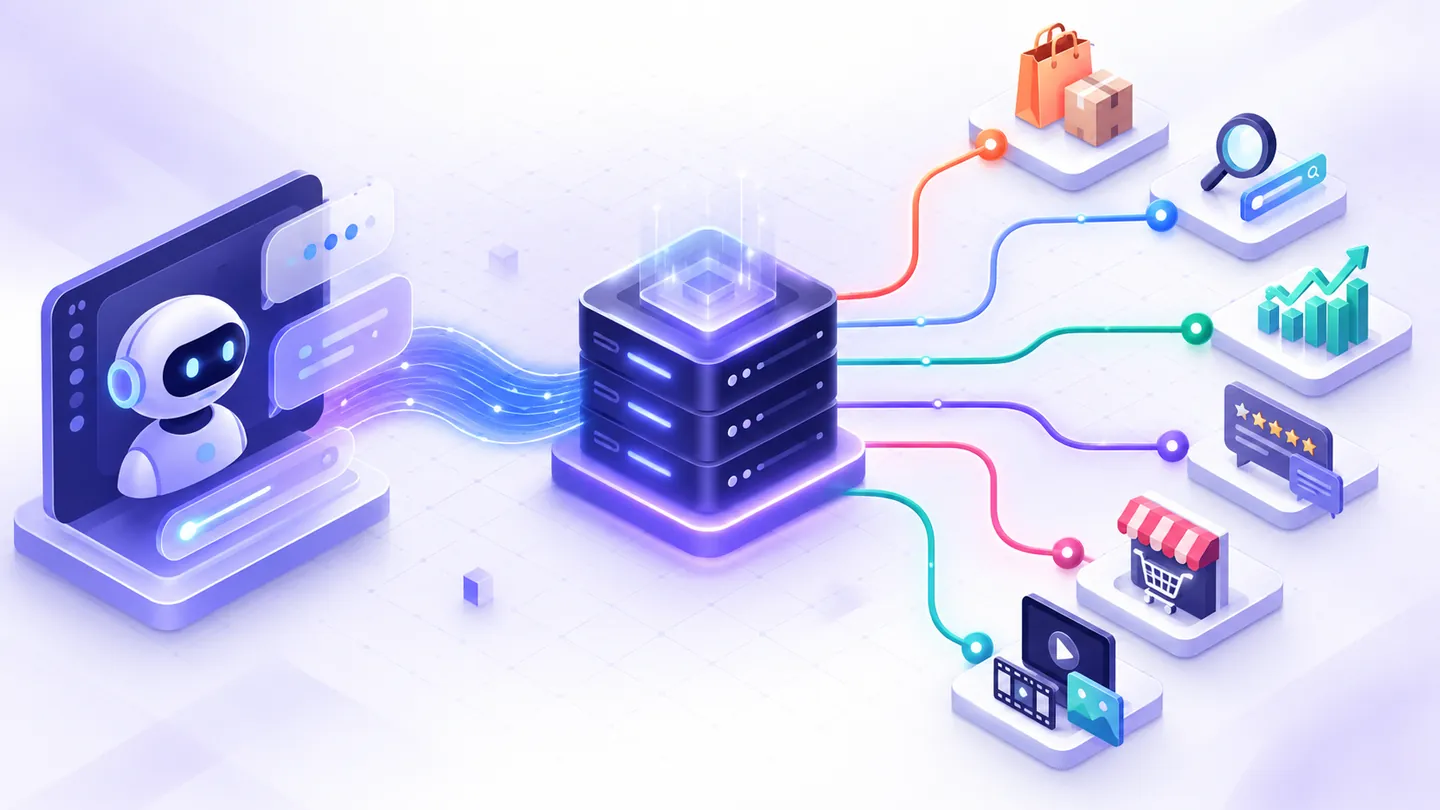
Nexscope exposes ecommerce research and creative AI capabilities through REST APIs and MCP tools. Use the official API docs to inspect parameters, response fields, examples, and testing instructions for the endpoint you need.
For the newer discovery layer that helps AI agents find callable resources, see the Agentic Resource Discovery (ARD) guide. ARD can point a compatible registry toward an API or agent, but it does not replace this capability map, authentication guidance, or endpoint testing.
For the TikTok-specific catalog, see the TikTok Shop API guide, which groups the current product, creator, video, shop, advertising, and analytics APIs by seller decision.
New users get 1,000 free credits to get started. Create your Nexscope account. Credit usage and access vary by action. Creative API key access requires an active subscription; trial credits do not enable it.
Start with a platform or research question
Use a focused guide when you need to choose an interface and understand its evidence, rather than reading the whole catalog:
- Amazon Ads API: access, reports and campaign controls — distinguish authorized advertising operations from public marketplace research.
- Etsy product research API — build a comparable product and shop shortlist.
- Walmart product and keyword APIs — connect search, details, categories and keyword evidence.
- Temu product research API — preserve source families, regions and metric definitions.
- 1688 Product Search API — build a shortlist with Chinese keywords, MOQ filters and dated sales signals.
- 1688 Product Detail API — compare exact SKUs, quantity tiers, single-piece prices and shipping units.
- Shopee product research API — connect a station-specific search to eligible product-detail URLs.
- Ozon product research API — align product reports, detail windows, keyword periods and daily trends.
- Competitor keyword and traffic APIs — turn bounded search evidence into relevant content briefs.
- Backlink and referring-domain APIs — inspect links without mistaking index scores for Google judgments.
The TikTok Shop guide was updated against the 61-interface directory on October 23, 2026. Catalog counts and contracts can change; inspect the current API page before running a request.
What is in the API docs?
- Ecommerce data: Amazon product/search/review/keyword research; TikTok Shop product, creator, video, and ad research; Shopify store/product queries; 1688 sourcing; other marketplace and patent research references.
- SEO and GEO: keyword metrics, search results, competitor and traffic research, page evidence, backlinks, advertising intelligence, and AI visibility research. Open the relevant API page to confirm its current inputs, access requirements, and response schema.
- Creative AI: image generation and editing, background removal, and video generation. Creative work uses asynchronous tasks: submit once, then query the returned task ID.
- Integration: REST endpoint details, MCP tool definitions, request/response examples, and an online API tester. The API examples repository contains reusable cURL, JavaScript, and Python clients.
The following are workflows you can assemble from documented APIs. This repository provides guides and support resources; it does not run these workflows for you.
1. Competitor ASIN → review evidence → product research report
- Choose a competitor ASIN and marketplace.
- Request a low-star sample with the Amazon Reviews List API.
- Send the returned raw data to the documented, separate analysis endpoint to draft pain points and ideas to investigate.
- Inspect original review evidence and save the report in your application. To write to Google Sheets, add your own authenticated Sheets integration.
Collection and analysis are separate requests and may consume credits. A low-star sample cannot establish overall defect rates or product authenticity. An AI suggestion should lead to investigation and testing.
2. Keyword → competing products → comparison dashboard
Start with Amazon Search, inspect the returned ASINs, and request relevant product or competitor details. Use Amazon ASIN Keywords for reverse keyword research. Keep provider estimates separate from measured account performance, and preserve missing values as unknown.
3. Product image → sourcing candidates → supplier shortlist
Send a product image URL to 1688 Search By Image. Compare returned candidates using available prices, minimum order quantities, and seller information. Validate availability, supplier identity, samples, and commercial terms yourself before buying.
4. Store or niche → Shopify and social-commerce research
Use Shopify Store Query to research stores and the product query endpoint to explore products. The data directory also contains TikTok Shop research APIs for products, creators, videos, and ads. These research APIs do not automatically connect your store, orders, or advertising account.
5. Keyword or URL → SEO/GEO evidence → research brief
Explore the SEO API directory. Use keyword and SERP data to research search demand, page data to inspect on-page evidence, and AI visibility data to study citations. Confirm the selected endpoint’s access requirements and request schema before integrating it. Google search volume is not Amazon search volume, and a citation sample does not guarantee visibility in every AI answer.
6. Product asset → image or video task → finished media
Use Background Remover for a cutout, or explore Creative AI APIs for image/video generation. Meet the selected endpoint’s media requirements, submit the task, and query its returned task ID until a terminal state. Repeating the generation POST creates another request.
Connect your application or AI agent
- Open the docs, sign in, and create or copy your account API key through API Access.
- Choose an endpoint and review its schema, supported market, credits, and subscription requirements.
- For REST, send
Authorization: Bearer YOUR_API_KEYand JSON to the documented endpoint. Keep the key on your server. - For agents, use the MCP tool map to inspect tool names, schemas, and integration guidance.
- Use the online tester or a client from the examples repository, then handle errors and asynchronous results according to that endpoint’s docs.
Ask the official team
Need help choosing an endpoint or understanding an integration? Ask in Discussions Q&A. Suggest a missing workflow in Discussions Ideas, or use the Issue forms for a reproducible API bug or trackable feature request. Include the endpoint slug and a redacted request or error example.
Include the endpoint slug, the workflow you want, expected/actual behavior, and a redacted error example. Do not post API keys, tokens, or private customer data. For private account or billing matters, contact service@nexscope.ai.
Last reviewed: 2026-10-26 · Maintained by the official Nexscope team · Editorial & evidence policy.
More on apis & ai agents
Bring a real ecommerce question.
Ask how to use a Nexscope workflow, suggest an improvement, or report a reproducible problem through the right public channel.